Slack-integration
Here is a quick guide to integrate slack and the dovento app
Go to slack marketplace
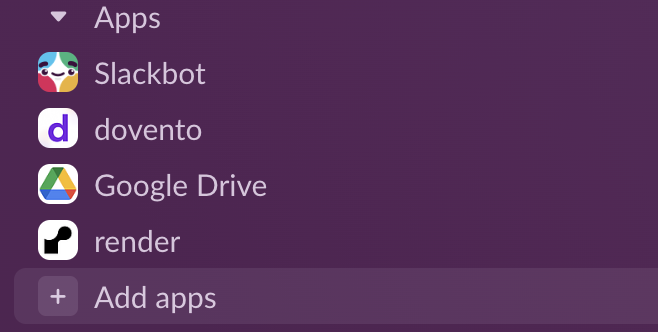
It's down at the bottom on the left - and now click on"+ Add apps"
Search and install
Find dovento in the Slack App Directory by searching "dovento", and click "Install" to add dovento to your workspace.
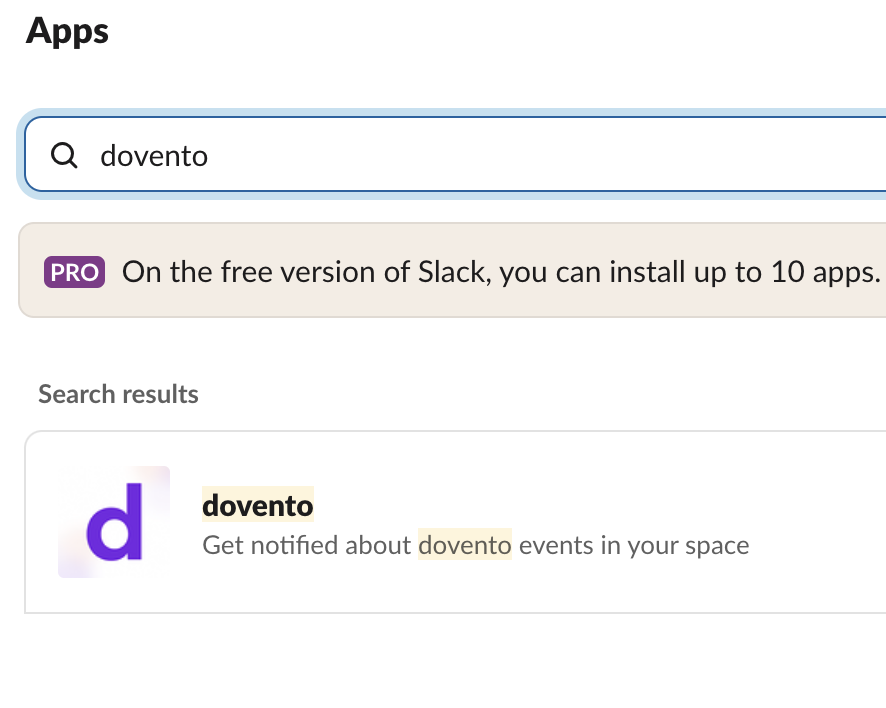
It should look like this:
Visit the dovento "Home" tab in your Slack workspace
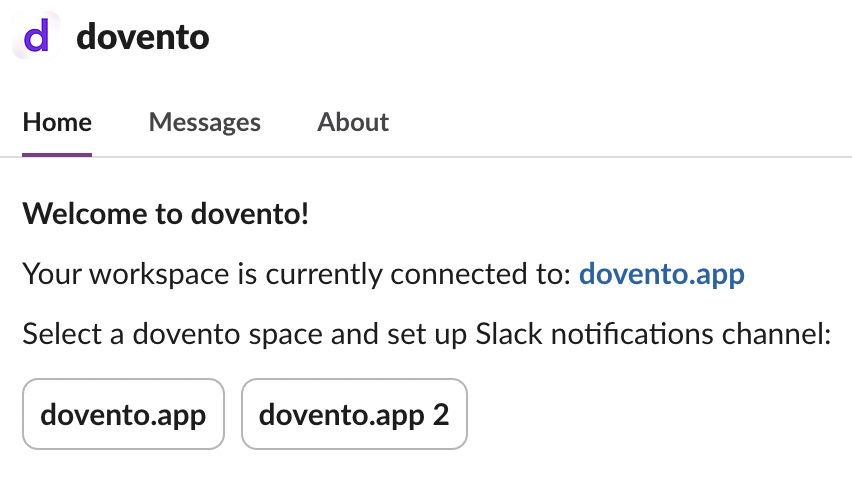
Click on the selected space
Connect to the dovento space by clicking the one you want to connect.
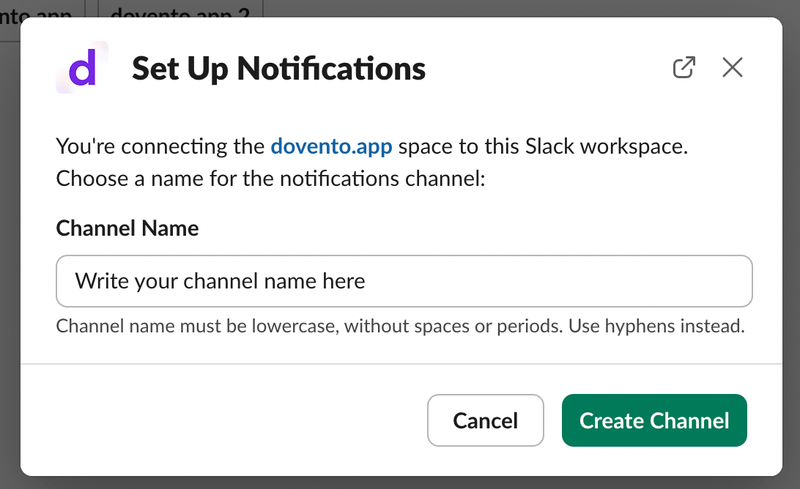
Choose a name
Choose a channel name for event notifications and click on the green button to create channel.
That's it!
Your dovento space is now connected to Slack, and you'll receive notifications about new events automatically. Hurray! Now go have fun!